

.jpg)
C-Pen boosts overall efficiency and helps employees with reading disabilities to optimise their performance without compromising integrity or security.
Are you a researcher, journalist, or lawyer who reads significant amounts of texts and highlights or extracts important paragraphs? Or maybe an administrative assistant entering data into business systems or databases? Regardless of your profession and task, C-Pen bridges the gap between printed text and computers and makes life easier. It’s like a digital highlighter, but instead of marking text with yellow, it scans the text and data, transmitting it to the computer without touching the keyboard. Efficient and reliable, C-Pen products are designed with the purpose increase efficiency and productivity.
Empower your employees
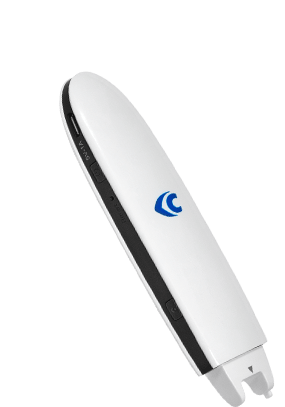
Today 10% of the population have some degree of dyslexia, which means that some of your employees probably face it. Although they have developed strategies to cope with it, you as an employer can give them better conditions. Doing so will also boost their self-esteem as they get less dependent on others. C-Pen Secure Reader 2 is a great help when reading reports or attending courses. The employee can confidently handle situations where they otherwise would have to confer with others to secure that they fully have understood the meaning of the text they have read. C-Pen Secure Reader 2 doesn’t save any information on the device, thereby protecting both the users’ integrity and the company’s security.


Make your research easier
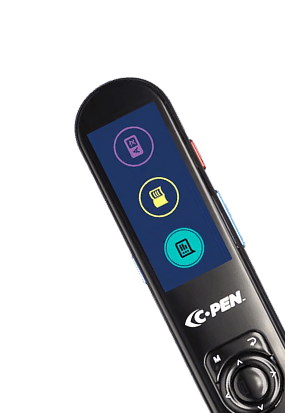
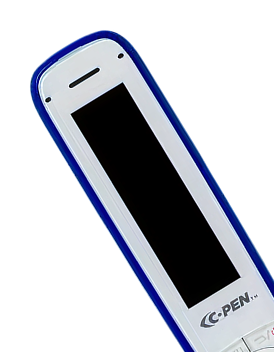
Processing large amounts of printed text is often a natural part of everyday work life, especially in journalism or law. Living in the digital age can be an obstacle because we want to import parts of the printed text to our word processor. And with C-Pen Reader 2 and Reader 3, you can easily do just that. Simply mark up the quote or paragraph as you would with a marker pen, and it appears on your word processor. Then you can edit it, send it to your computer or share it with your colleagues.

Streamline your paperwork
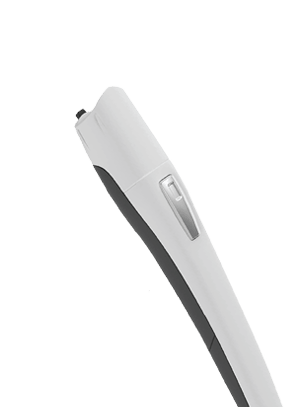
Much administrative work in an office or logistics comprises entering numbers and texts from different documents, like delivery notes, invoices, and receipts, into a computer. Sometimes it’s for an Excel file, and sometimes it’s registered directly into the business administration system. In which case, it’s often a cumbersome task that demands a lot of time and effort. To bridge the gap between printed text and the computer C-Pen has developed the USB-connected digital highlighter TS1. Anything you highlight is instantly scanned and pasted into your computers’ active application, like Word and Excel or your CRM or ERP system. Besides making your job easier, it also secures the quality of the data and reduces reading errors.
Models for At Work




Insights
.png?width=570&height=294&name=Rectangle%2015%20(1).png)
How employers can support employees with dyslexia

How a scanning pen and other tools can create a better work environmnet for dyslexics
.jpg?width=570&height=294&name=Rectangle%2015%20(1).jpg)
Break the stigma - how a scanning pen can make dyslexia less taboo in the workplace
.jpg?width=570&height=294&name=Rectangle%2015%20(2).jpg)
Be the best you - how a scanning pen can facilitate your workday
FAQ
.png?width=1440&height=769&name=Home_Home%204%20(1).png)
